Every punch from every time clock, the moment it happens.
Biometric punch-in. Employees clock in and out with a fingerprint, right at the time clock.
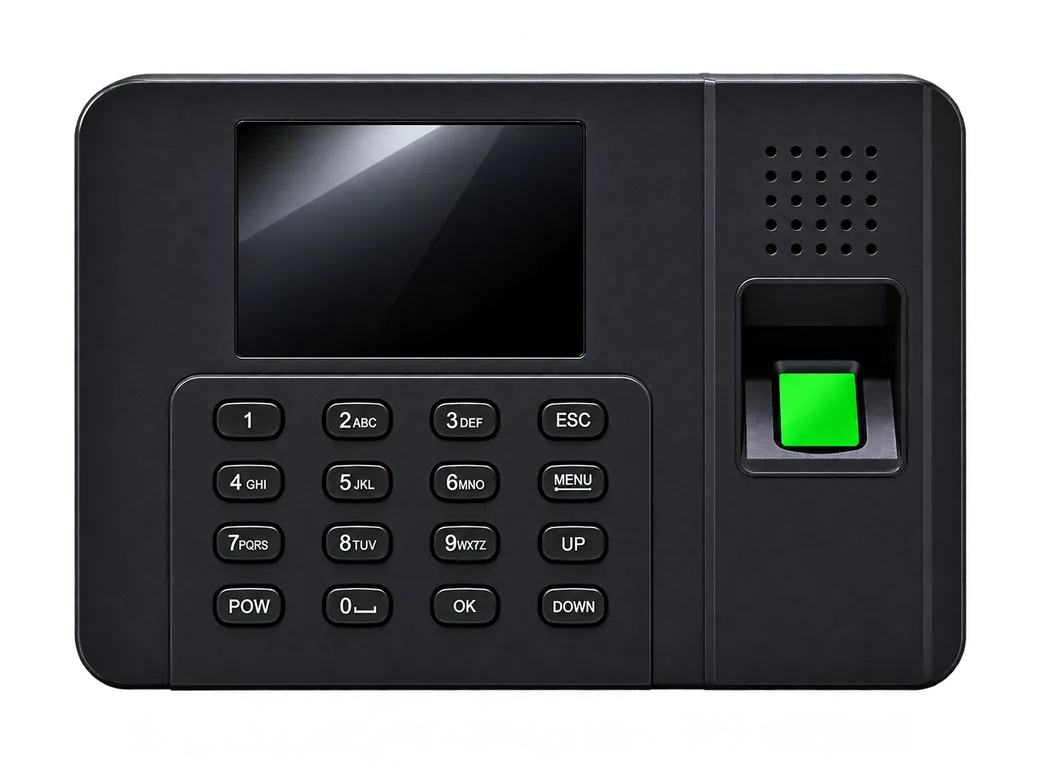

Biometric punch-in. Employees clock in and out with a fingerprint, right at the time clock.
The time clock connects to Timebased by itself over your network. There is no software to install on site and nothing to plug into a computer.
Sign up with your email, your organization's name, and your time clock's serial number.
It dials in and shows as online in your console. Add more clocks by serial number at any time.
Assign each person to the locations where they work. Timebased sends them to the clocks there.
Each clock-in and clock-out appears in the log as it happens, ready for the timesheet.
Timebased connects your biometric time clocks to one console. See who is in, keep employees in sync across locations, and export timesheets when payroll is due.
No. The time clock connects to Timebased by itself over your network. You manage everything from the Timebased console in a web browser.
Your email, your organization's name, and the serial number printed on your time clock. You can add more time clocks by serial number at any time.
Only on the time clock. Biometric data is stored strictly on the device where the employee enrolled, and nowhere else. Timebased never stores fingerprints on its servers or in its database, and they can't be viewed or downloaded from the console. If someone works at more than one clock, you can copy their fingerprints directly from one clock to another, and Timebased keeps no copy.
Yes. Each branch, office or warehouse is a location with its own time zone, and each employee is assigned to the locations where they work. Punches from every location land in one log.
The dashboard shows that time clock as offline. Employee changes you make in the meantime reach it when it reconnects.
Review hours per employee on the timesheet, then download it as a CSV file, which opens in Excel, Google Sheets or your payroll software.
The plan is $20 per month and includes up to 50 employees and 2 time clocks. Each additional time clock is $5 per month, and each additional 25 employees is $10 per month.
You'll need your email, your organization's name, and the serial number printed on the time clock.